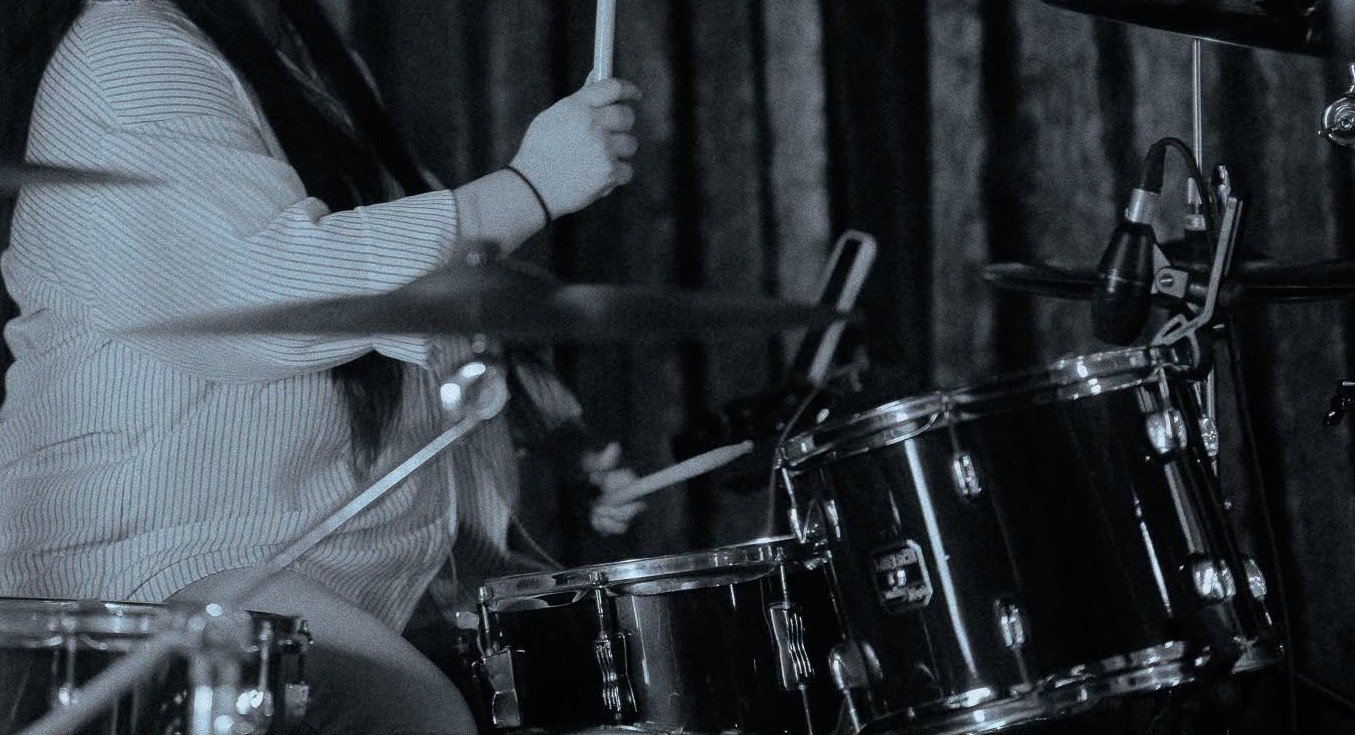
There is a specific kind of rehearsal friction that I used to find really frustrating. We would pull up a song, someone would count it off, and halfway through the first verse the worship leader would stop us and say "that feels too fast." We would slow it down, start again, and then someone else would say "actually I think it should be a bit faster." Five minutes gone just trying to agree on a tempo.
The problem was not that anyone had bad instincts. The problem was that we were all working from memory of a recorded song and memory is not precise. When you play a song every week, your brain locks onto the emotional feel of it more than the exact tempo. So when someone says "count it off," everyone's internal reference is slightly different.
We Were All Guessing
One Sunday I decided to actually measure the tempo of all our songs before rehearsal. I opened the recorded versions one by one and tapped along to the beat on my phone screen. Even that was not great because I was mentally converting the taps into a number in my head, which is hard to do accurately while also keeping rhythm.
What I needed was something that would count the taps for me and give me a BPM reading automatically. That is why I built the BPM Tap Counter.
How the BPM Tap Counter Works
The BPM Tap Counter is simple. You open it, play the song you want to measure, and tap the button in time with the beat. After a few taps it starts showing you the average BPM. The more you tap, the more accurate the reading gets. After about eight taps you usually have a solid number that you can trust.
Now before every rehearsal I spend about ten minutes going through our setlist and tapping out the tempo of each song from the original recording. I write the BPM next to each song in our setlist notes. When we start rehearsal, I just tell the drummer the tempo before we count off and we start at the right speed every time.
It sounds like a small thing but it genuinely removed one of the most common sources of friction from our rehearsals.
It Also Helps When Planning a Setlist
Knowing the actual BPM of your songs is useful for more than just counting off. It helps you think about the flow of a service. If you have three slow songs in a row all sitting around 65 BPM, the service might feel heavy in that section. Knowing the numbers helps you make intentional choices about sequencing rather than just going by feel alone.
It also helps when you are communicating with musicians who are joining your team for a special event. Instead of saying "play it at a medium pace," you can say "this one is at 78 BPM." That is much clearer and saves time.
Pair It With the Metronome
Once you have your BPM reading from the tap counter, the natural next step is plugging that number into the online metronome and using it during rehearsal to keep everyone locked to the same tempo. Together these two tools make your rehearsal prep much more precise and much less stressful.
If you have never actually measured the tempos of your songs before, try it this week. Open the BPM Tap Counter, put on your Sunday setlist, and tap through each song. Write down what you find. You might be surprised at some of the numbers. Songs that feel fast are sometimes slower than you expect. Songs that feel slow can have a higher BPM than you realized because of how the rhythm is structured.
Either way, knowing the actual tempo puts you in control instead of guessing.